How the Morning Consult AI Connector (MCP) Works
Overview
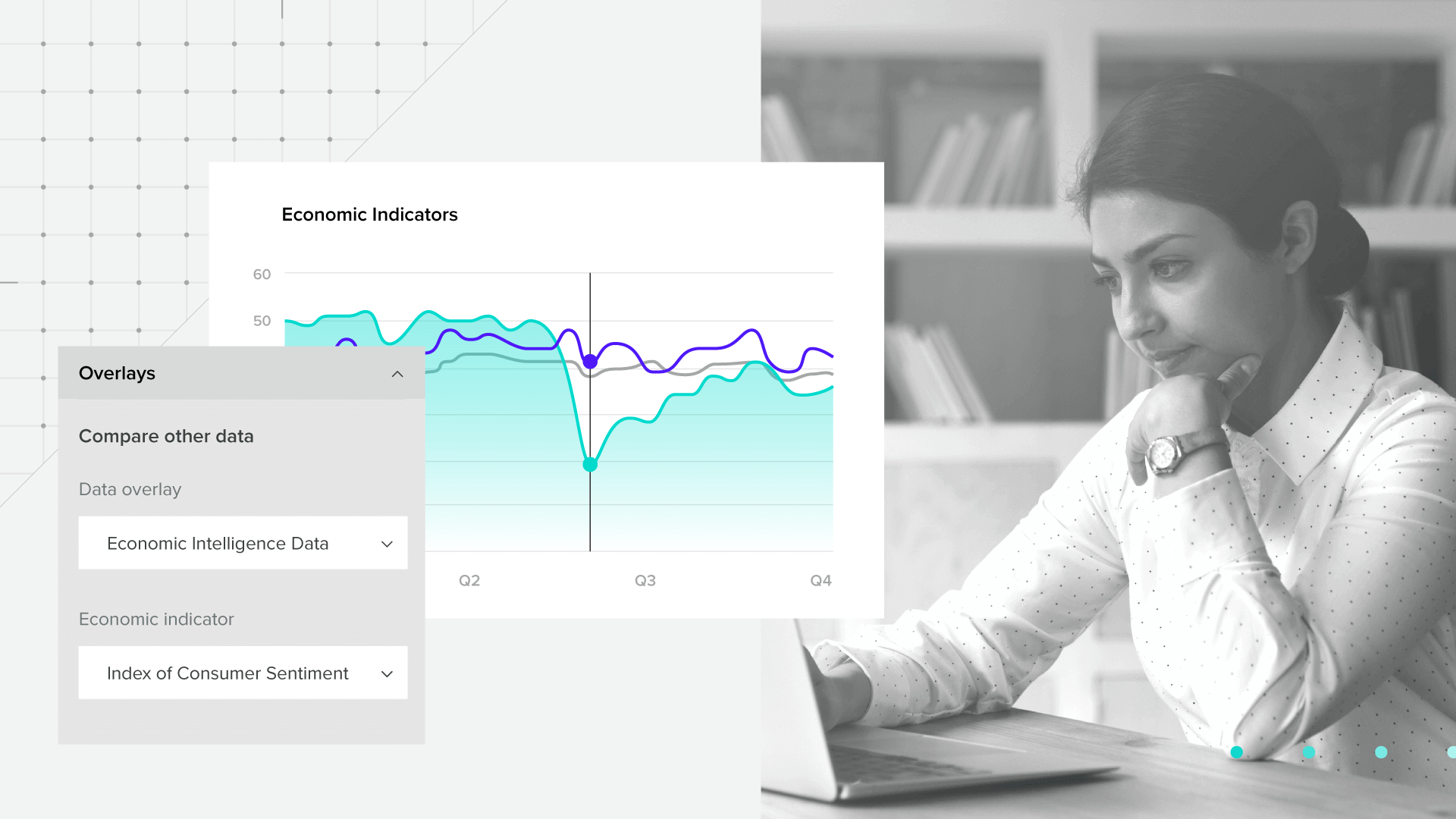
The Morning Consult AI Connector brings Morning Consult data directly into the AI tools your team already uses. Ask questions in natural language and get data-backed answers without navigating dashboards or waiting for a manual data pull.
The connector uses Model Context Protocol (MCP), a standard that allows AI tools, like Claude and ChatGPT, to connect to external data sources. Once you sign in with your Morning Consult account, the connector can access only the data included in your organization’s subscription and permissions. This may include syndicated data covering brands, consumers, industries, and the economy, along with custom research conducted specifically for your organization.
Why use the Morning Consult Connector?
- Make faster decisions with on-demand access to the most up-to-date Morning Consult data
- Anyone in your organization can get reliable, data-backed answers to their natural language questions
- Feel confident in hallucination-free data, with every figure retrieved or calculated directly from Morning Consult source data
- Explore syndicated intelligence and your custom research in the same conversation and get more value from your existing Morning Consult data and research investments
What can you do with the Morning Consult Connector?
Use the Morning Consult Connector to move from a business question to a shareable answer in minutes. Ask questions in natural language, whether you know exactly what you need or want to explore the data available to you. The connector retrieves the latest available Morning Consult data on demand, while your AI tool helps you analyze the results, visualize patterns, and create deliverables without manual data pulls or waiting on another team.
You can:
- Ask pointed business questions and retrieve the relevant data by brand, market, consumer group, metric, or time period
- Explore available data by browsing datasets, topics, questions, countries, and audience variables
- Uncover insights faster by comparing trends, markets, brands, and consumer groups in a single conversation
- Create charts and visualizations that make patterns, differences, and changes easier to understand
- Turn findings into shareable deliverables such as executive summaries, reports, presentations, and briefing materials
- Build on your analysis by asking follow-up questions and refining the output without starting over or requesting another data pull
Example Prompts
- Explore available data
“Using Morning Consult data, what data is available to help me understand [topic or business question]?”
- Track brand and reputation
“Using Morning Consult data, show how favorability, trust, and reputation for [Brand] have changed among [Consumer Group] in [Country] over the past year. Include sample sizes and create a trend chart.”
- Compare performance globally
“Using Morning Consult data, compare quarterly favorability for [Brand] across the United States, Canada, the United Kingdom, and Japan over the past 3 years.”
- Build a consumer profile
“Using Morning Consult data, build a profile of daily [Brand] users. Compare them with the general population across demographics, attitudes, behaviors, and media habits.”
- Understand the competitive landscape
“Using Morning Consult data, compare consideration and usage for [Brand] and its top competitors over the past 12 months. Show the trends and identify the largest differences in the data.”
- Connect economic signals to category demand
“Using Morning Consult data, show how consumer sentiment and category spending have changed over the past year for [consumer group]”
- Connect custom and syndicated research
“Using Morning Consult data, analyze our latest custom study on [topic] and visualize the results. Include relevant syndicated brand and consumer data to broaden context. List the data sources and sample sizes used, then turn the findings into an executive briefing.”
AI Connector Setup
What You Need
- You need an active Morning Consult Intelligence account with access to the Morning Consult AI Connector. Your account permissions determine which syndicated datasets and custom research the connector can access.
- You also need access to a supported AI tool. If your organization manages Claude or ChatGPT centrally, an administrator may need to enable or add the connector before you can connect your individual Morning Consult account.
Before you begin: Make sure you can sign in to Morning Consult Intelligence. If you are unsure whether AI Connector access is included in your account, contact your Morning Consult account representative.
Claude Setup
Before individual users can connect, a Claude Owner or Primary Owner must add the Morning Consult Connector to the organization. The admin can install it from the Connector Directory or add it manually.
Admin Setup
Option 1: Install from the Connector Directory
- Open Organization Settings and select Connectors
- Select Browse connectors
- Search for Morning Consult
- Open the connector and select Add to your team
- Review the available tools and permissions, then make the connector available to the appropriate members
Option 2: Add the Connector Manually
- Open Organization settings and select Connectors
- Select Add, then choose Custom and Web
- Enter the following details:
- Name: Morning Consult
- MCP server URL: https://api.morningconsult.com/mcp
- Select Add to complete setup
Once the connector has been added through either method, it will become available to members of the Claude organization. Each user must still connect and authenticate with their own Morning Consult credentials. Their existing Morning Consult permissions determine which syndicated datasets and custom research they can access.
User Setup: Connect Your Morning Consult Account
- Open Claude.ai or Claude Desktop
- In a chat, select the plus button, then choose Connectors and Manage connectors
- Find Morning Consult and select Connect
- Sign in with your Morning Consult Intelligence credentials and authorize the connection
- Return to your conversation and make sure Morning Consult is enabled in the Connectors menu.
- Test the connection with a prompt such as:
“Using Morning Consult data, show net favorability for [brand] among U.S. adults over the past year”
If the connector is working, Claude will display a Morning Consult tool call before providing the results.
ChatGPT Setup
Before individual users can connect, a ChatGPT workspace administrator must make the Morning Consult plugin available to the organization. The administrator can install the published plugin or connect the Morning Consult MCP server manually.
Admin Setup
- Open Settings, select Security and login, and enable Developer mode
- Open ChatGPT Plugins and select the plus button
- Enter the following details:
- Name: Morning Consult
- Description: Access Morning Consult syndicated data and your organization’s custom research
- MCP server URL: https://api.morningconsult.com/mcp
- Create the connection and review the tools discovered from the server
- Make the plugin available to the appropriate workspace members
User Setup: Connect Your Morning Consult Account
- Open the Morning Consult plugin in ChatGPT
- Select Connect when prompted
- Sign in with your Morning Consult Intelligence credentials and authorize the connection
- Start a new chat and test the connection with a prompt such as:
“Using Morning Consult data, show net favorability for [brand] among U.S. adults over the past year.”
If the plugin is working, ChatGPT will display a Morning Consult tool call before providing the results.
Supported Tools
Getting data
- Morning Consult Data (morningconsult_data): The main tool for turning a natural-language question ("net favorability of Nike among Gen Z") into data. Returns a reference for further querying.
- Morning Consult Query (morningconsult_query): Runs SQL against a specific data resource from Morning Consult Data to filter, aggregate, or slice results further.
Discovering what data exists
- Morning Consult Data Sources (morningconsult_datasources): Lists the data sources you have access to (e.g. the Daily Tracker, economic trackers, custom studies), what each covers, in which countries, and available date ranges.
- Search Morning Consult Questions (morningconsult_search_questions): Searches a dataset by topic or keyword to find relevant survey questions and responses.
- Search Morning Consult Metrics (morningconsult_search_metrics): Looks up documentation provided by Morning Consult on computed metrics/scores (net favorability, Reputation Score, Index of Consumer Sentiment, etc.), what they measure and how to interpret them
Tenant management
A tenant is a Morning Consult account or client workspace. It determines which subscriptions, datasets, custom research, and permissions are active for your connector session. Most users belong to one tenant and never need to change it.
- Morning Consult Set Active Tenant (morningconsult_set_active_tenant): Switches the active tenant to a specific one by ID.
- Morning Consult Active Tenant (morningconsult_active_tenant): Returns which tenant is currently active for you.
- List Morning Consult Tenants (morningconsult_list_tenants): Lists all tenants you're a member of, each with an ID and name.
Note: Switching the active tenant is the connector's only write action. It changes your active account context, but it does not create, edit, or delete survey data, research, reports, or other content in Morning Consult.
Support
For help with your Morning Consult account, data access, permissions, or connector results, contact your Morning Consult representative.
For help locating or enabling the connector in Claude or ChatGPT, contact your organization's AI workspace administrator.
Ready to get started? Request a demo
Get access
100M+ survey interviews collected and 30,000 more every day. 45+ countries. All of it accessible through a single conversation with the AI tool you're already using.
You May Also Like
These Related Stories

How Brands Are Putting Morning Consult’s AI Connector to Work
.png)
Perplexity AI: The Trusted Research Engine in Consumer AI